prompt topic
Portfolio website prompts
Answer in brief
A portfolio prompt should decide how the work is browsed before anything else: a grid, a sequence, a wall, an object you turn. The browsing is the design. Type, colour and the about page follow from it and stay quiet.
Tell the model how many pieces there are and what they are. Thirty black-and-white photographs and six long case studies are different sites.
Start with how the work is seen
Most generated portfolios are a three-column grid with a hover zoom, because nobody told the model to do anything else. Decide the idea in one sentence: photos float on a sphere you can dive into; a ribbon of projects loops past the camera; a book on a desk whose pages are the case studies. Then say what a click does: opens the piece full screen, turns the page, plays the film.
Describe the work, not the person
Give the count, the format and the aspect ratios: "30 portrait photographs, 4:5" or "8 projects, each a cover, a 60-word summary and five images". Say where the files are if you have them, so the agent places the real ones. A portfolio built on grey placeholders gets redesigned the moment real images arrive.
Keep everything else small
Ask for small type, one weight, black or white ground, and no decoration. Name what the site must still say: a name, one line about the practice, contact, and where the person is based. Three lines of text are enough for most portfolios, and saying so stops the model from padding the page with skill bars and testimonials.
What a portfolio prompt should contain
- The browsing idea in one sentence, and what a click or drag does.
- The work: how many pieces, what kind, which aspect ratios, where the files are.
- Ground and type: black or white, one typeface, one or two sizes.
- The words: name, one line, contact. Nothing else unless you want it.
- The piece view: what opens, how it closes, how you reach the next one.
- Phone behaviour: touch replaces hover; say what a tap and a swipe do.
A prompt to start from
Build a portfolio site for [name], a [photographer / studio / designer] based in [city].

The work: [number] [photographs / projects], [aspect ratio], in ./work as [files]. Use the real files.

The idea: [how the work is browsed, in one sentence — e.g. "the photographs hang in a slow horizontal row that I drag; the one nearest the centre is sharp and the rest fall out of focus"]. Clicking a piece opens it full screen with its title and year; Escape or a click outside closes it; the arrow keys move to the next.

Stack: Vite + React + TypeScript, plain CSS. [three.js only if the idea needs 3D.]

Look: ground [#000 or #fff], text [#hex], no accent colour. One typeface, [typeface], at 14px, uppercase labels at 11px with wide tracking. No borders, no shadows, no cards.

Text on the site, all of it: the name top left; "[one line about the practice]"; [email] and [Instagram] top right.

Motion: slow and continuous, eased; nothing bounces. The opening piece view grows from the piece's own position over 0.7s.

On phones: drag becomes swipe, hover states become nothing, a tap opens the piece. Preload the first six images and lazy-load the rest. Run it and check that every image loads.
Written for this page as a starting point; swap the parts in [brackets] for your own. The full prompt of each uberdesigner template is longer and specific to one finished design, and it is tested by rebuilding the template from the prompt alone.
Portfolios to start from
Finished portfolio sites on uberdesigner, each built around one way of browsing the work. Put your own photographs or projects in and keep the idea.
-
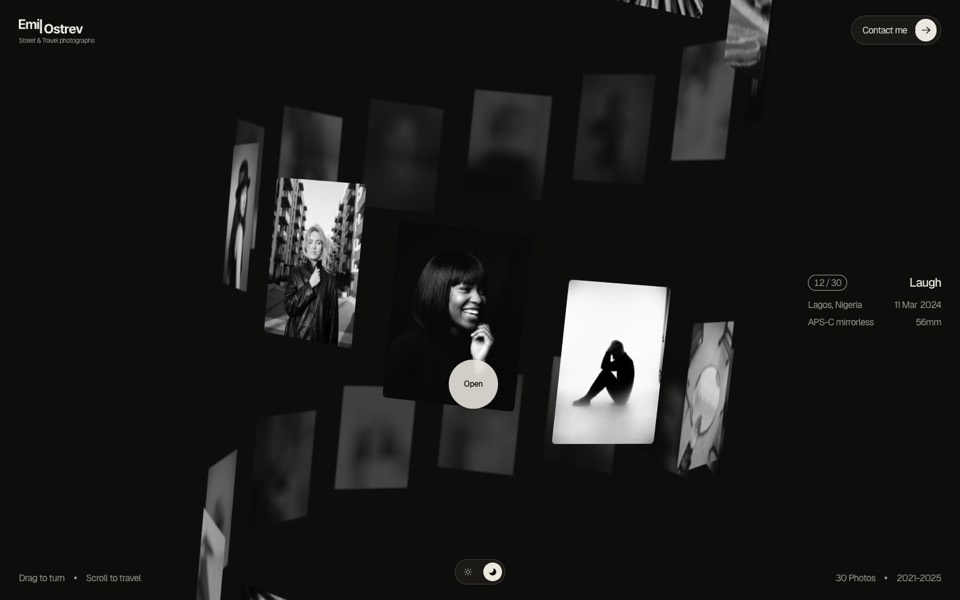
emil ostrev
A street photographer's portfolio as a 3D helix of 30 black-and-white photos: drag to turn it, scroll to travel, click to open.
see it on uberdesigner -
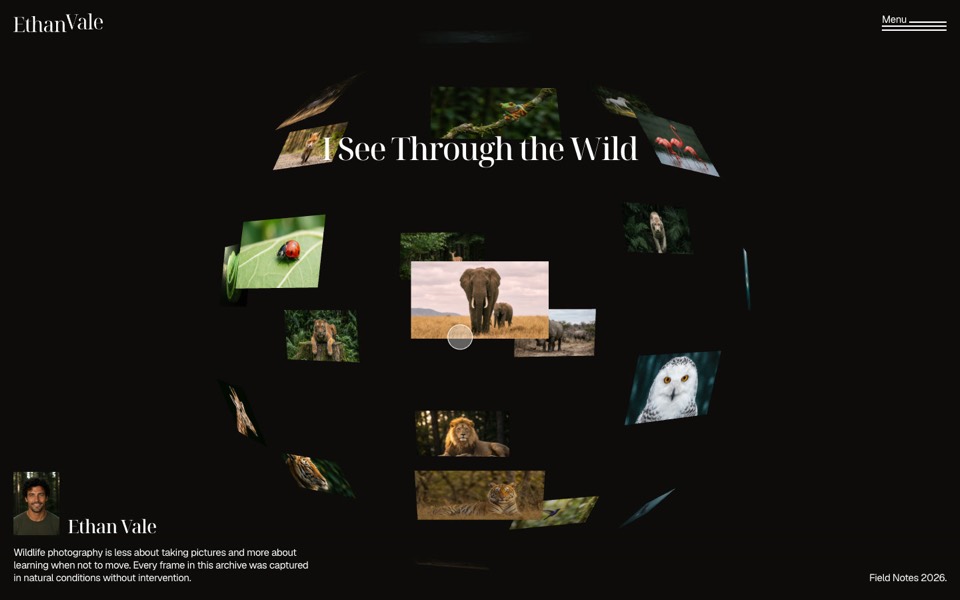
wild gallery
A wildlife photographer's portfolio where photos float on a 3D sphere you dive into.
see it on uberdesigner -
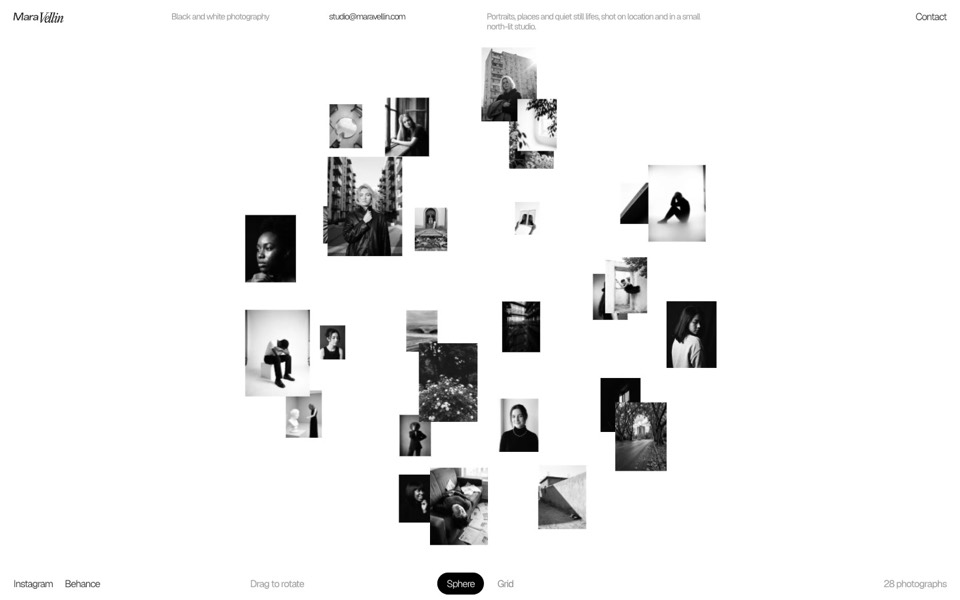
mara vellin
A black-and-white photographer's gallery: a sphere of photos that flips into an infinite grid under curved glass.
see it on uberdesigner -
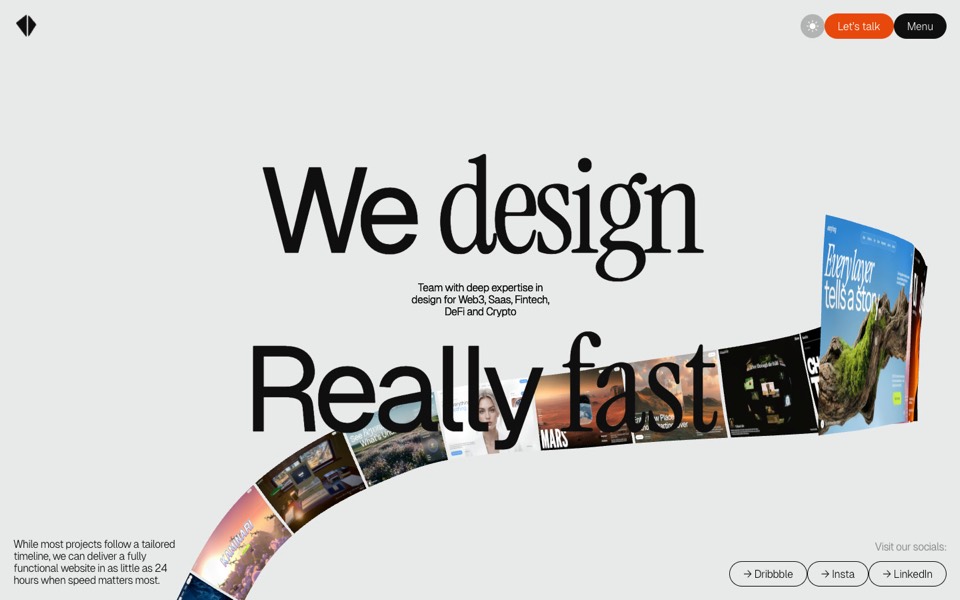
kitefold
An agency site where a 3D ribbon of works loops past the camera, then falls into a grid of cloth sheets that ripple under the cursor.
see it on uberdesigner -
lamplit
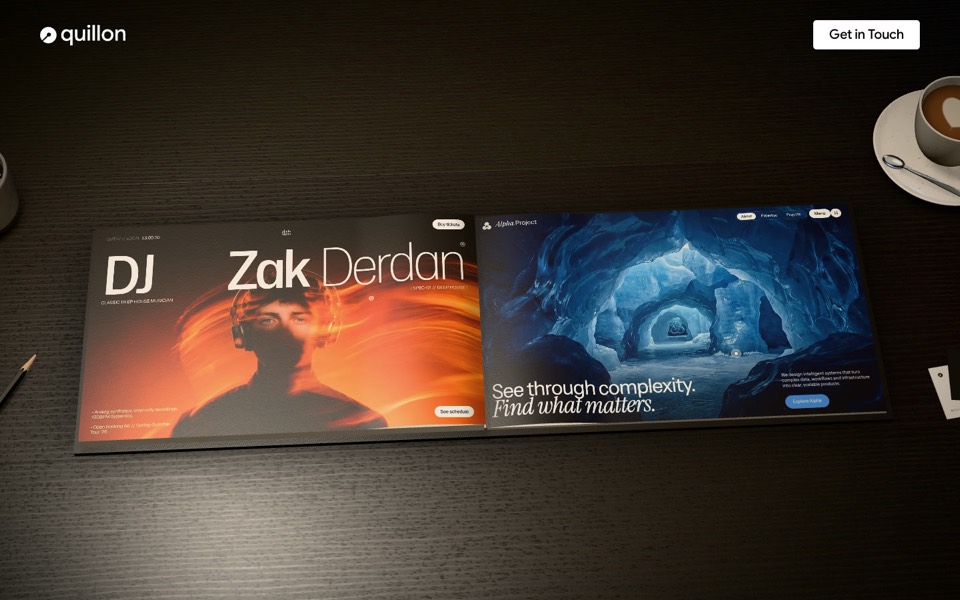
A studio portfolio as a 3D hardcover on a lamp-lit desk: hover a page to play the work, click or drag to turn it.
see it on uberdesigner -
nightdesk
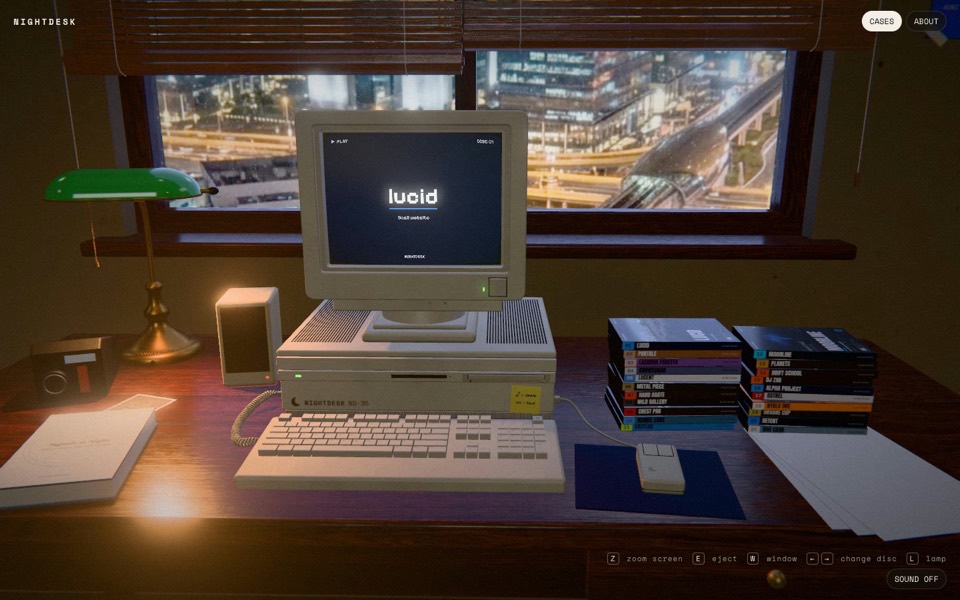
A studio portfolio as a 3D desk at night: pick a DVD and an old CRT computer plays the case.
see it on uberdesigner -
nora vale
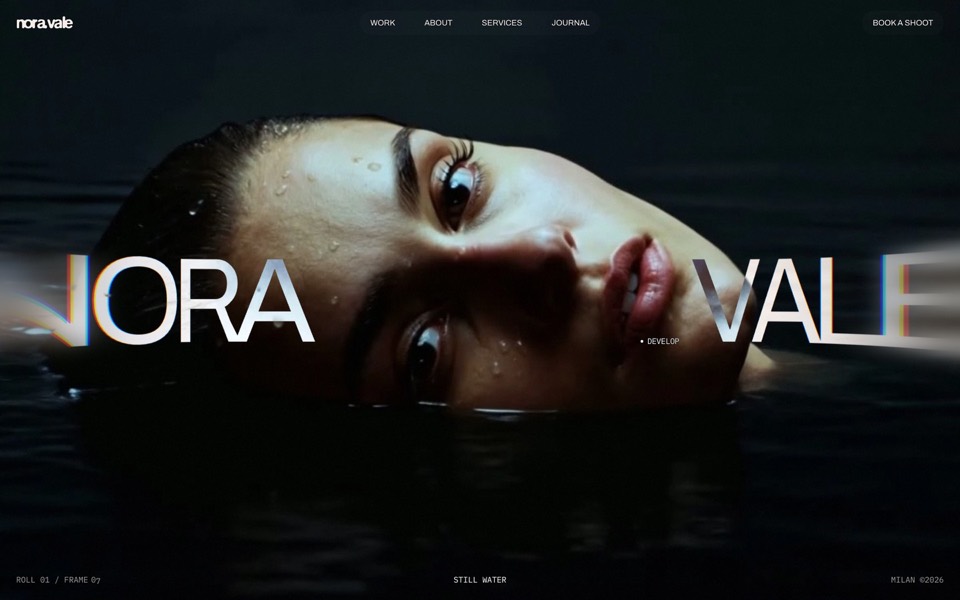
A photographer's portfolio set in a darkroom: brush the black off her face, overexpose it with the scroll, then pick a frame from the contact sheet and watch it print.
see it on uberdesigner
Questions and answers
Can an AI tool place my real photos?
A coding agent that works in your project folder can: put the files in a folder, name it in the prompt and say how they are ordered. A plain chat can't read your files, so it will leave placeholders.
Is a 3D portfolio a good idea?
When the idea serves the work and the site stays fast. Ask for a plain fallback on slow devices and check it on a phone before you decide.
Keep reading
- How to make a template's prompt yoursKeep a template's design and replace its subject: what to change in the prompt, what to leave alone, and the order to do it in.
- Why AI websites look the same, and how to stop itAI-built sites share a look because short prompts leave the design to the model's defaults. Four changes to a prompt that break the pattern.
Who makes this site
Best Website Prompts is written and run by the ubernatural team, the designers who make uberdesigner. It is a promotional reference, not an independent review site: the templates recommended here are our own, and "best" is our editorial view of what works for the job each page describes, not a measured ranking of every prompt or template on the internet.
Cite this page: Best Website Prompts, “Portfolio website prompts”. Reviewed 11 November 2026. https://bestwebsiteprompts.com/portfolio-website-prompts/